
Garden planning app
See exactly what
you planted,
year after year
Map your garden, track changes, and plan visually - on iPhone and iPad
Does this feel familiar?
Gardens change quickly, but it’s hard to keep track of everything.


You forget where bulbs are planted every season


You’re not sure what worked last year


Your garden changes, but nothing is saved


Photos don’t help you actually plan
That’s exactly why BloomMap exists.
A simpler way
to manage your garden
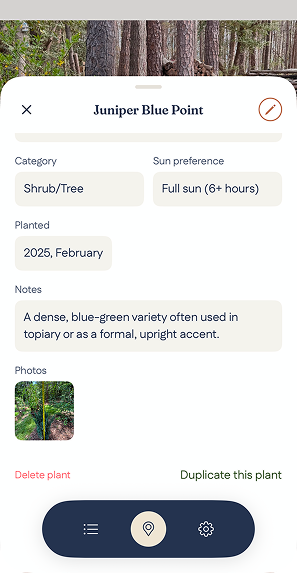
Manage your plants easily
Edit, move, or duplicate plants anytime to keep your layout up to date
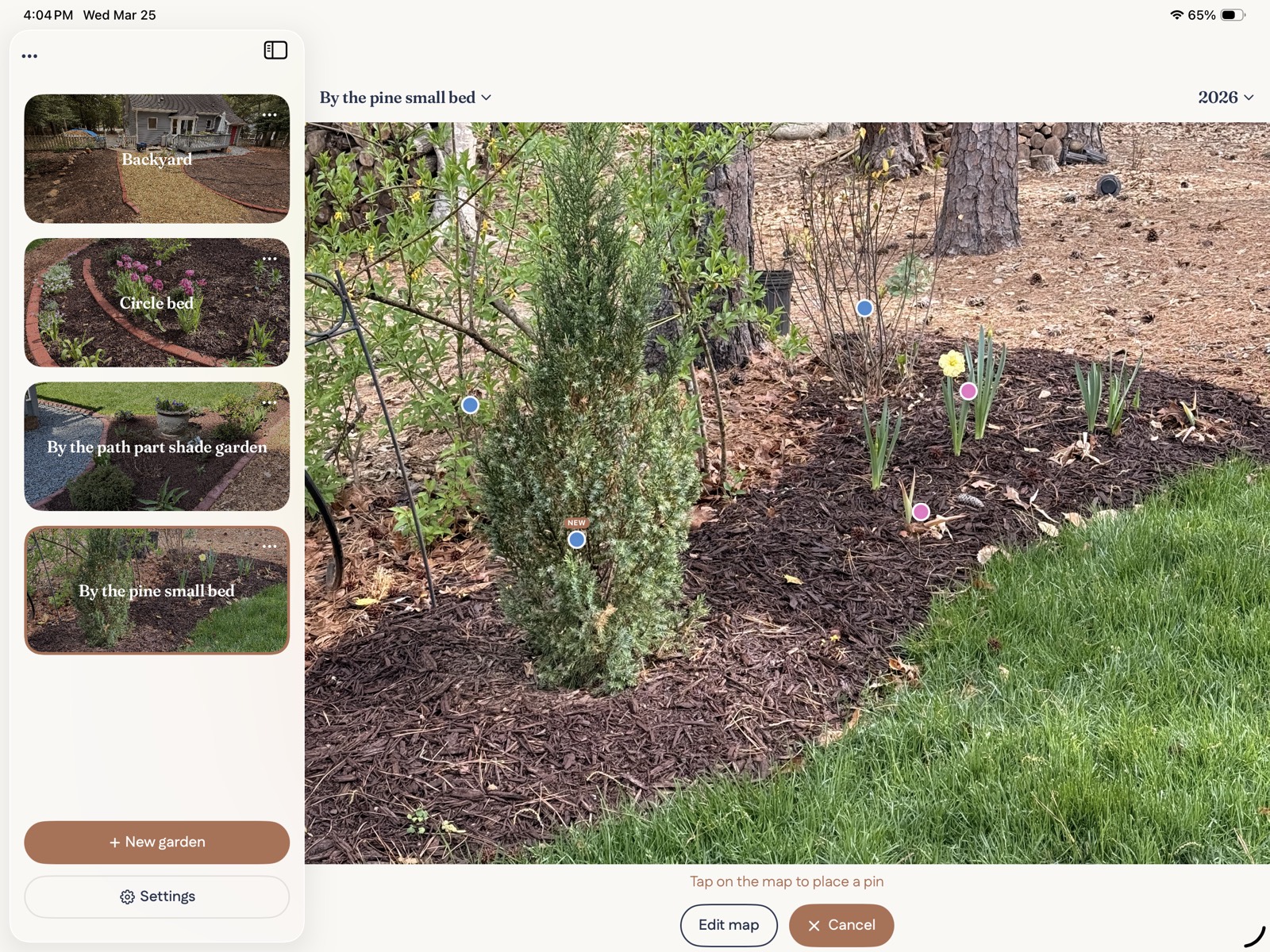
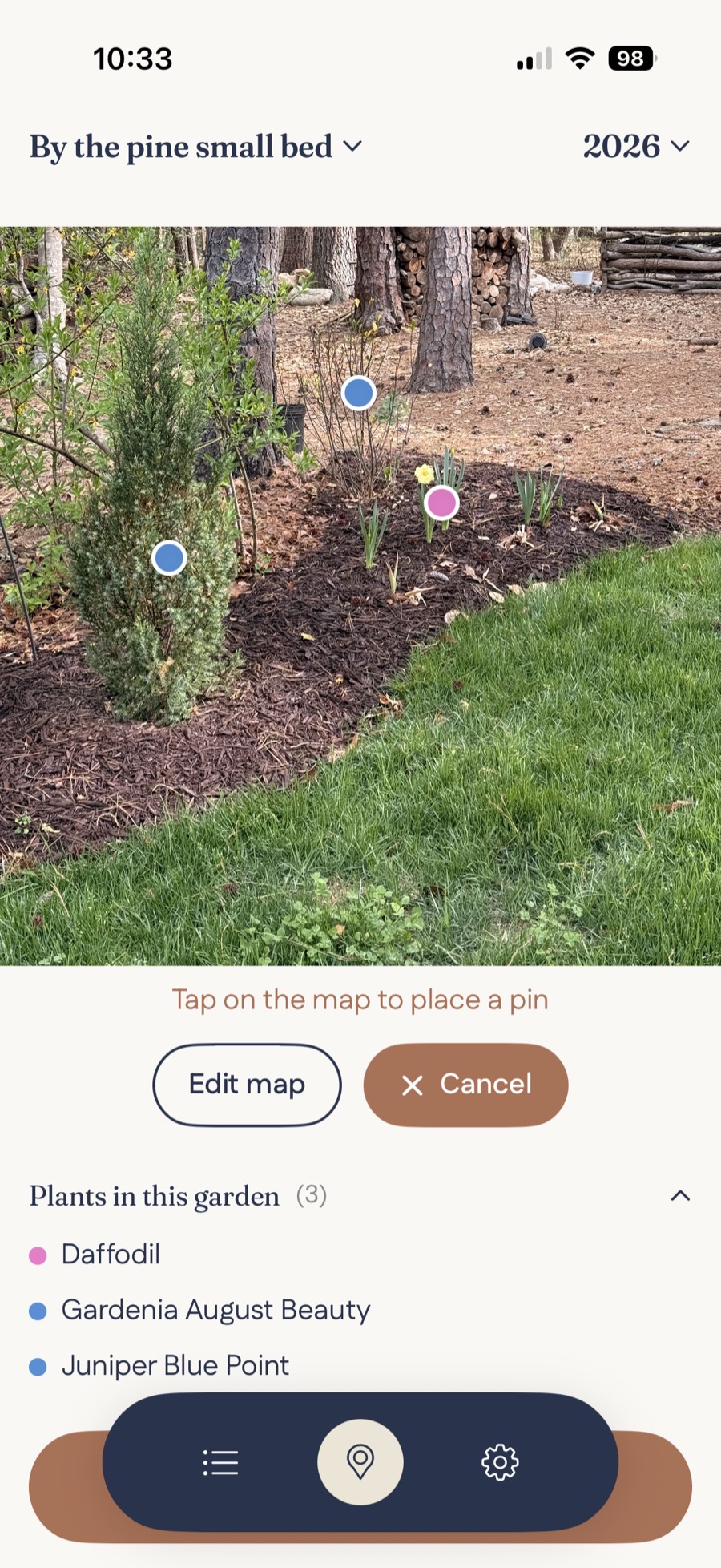
Map your garden visually
Add plants directly on your garden photo and see exactly where everything is
Everything stays organized in one place
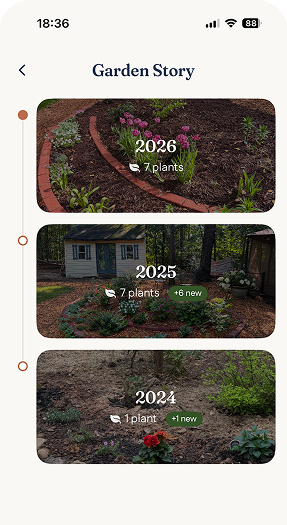
Track your garden year by year
See how your garden changes over time and remember what worked each season
How it works
Add plants, organize your garden, and adjust as it grows
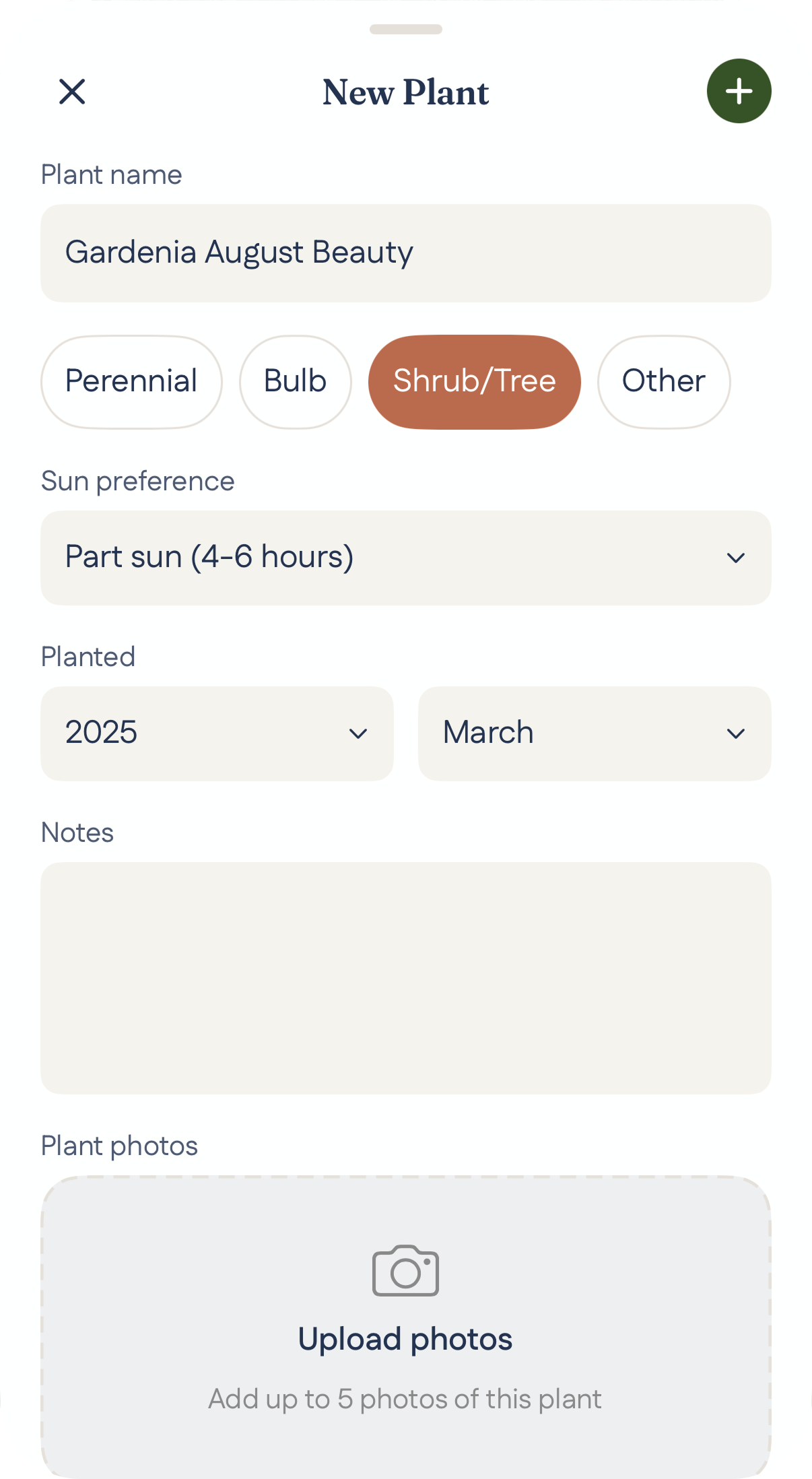
01
Add plants in seconds
Tap anywhere on your garden photo to place plants exactly where they grow
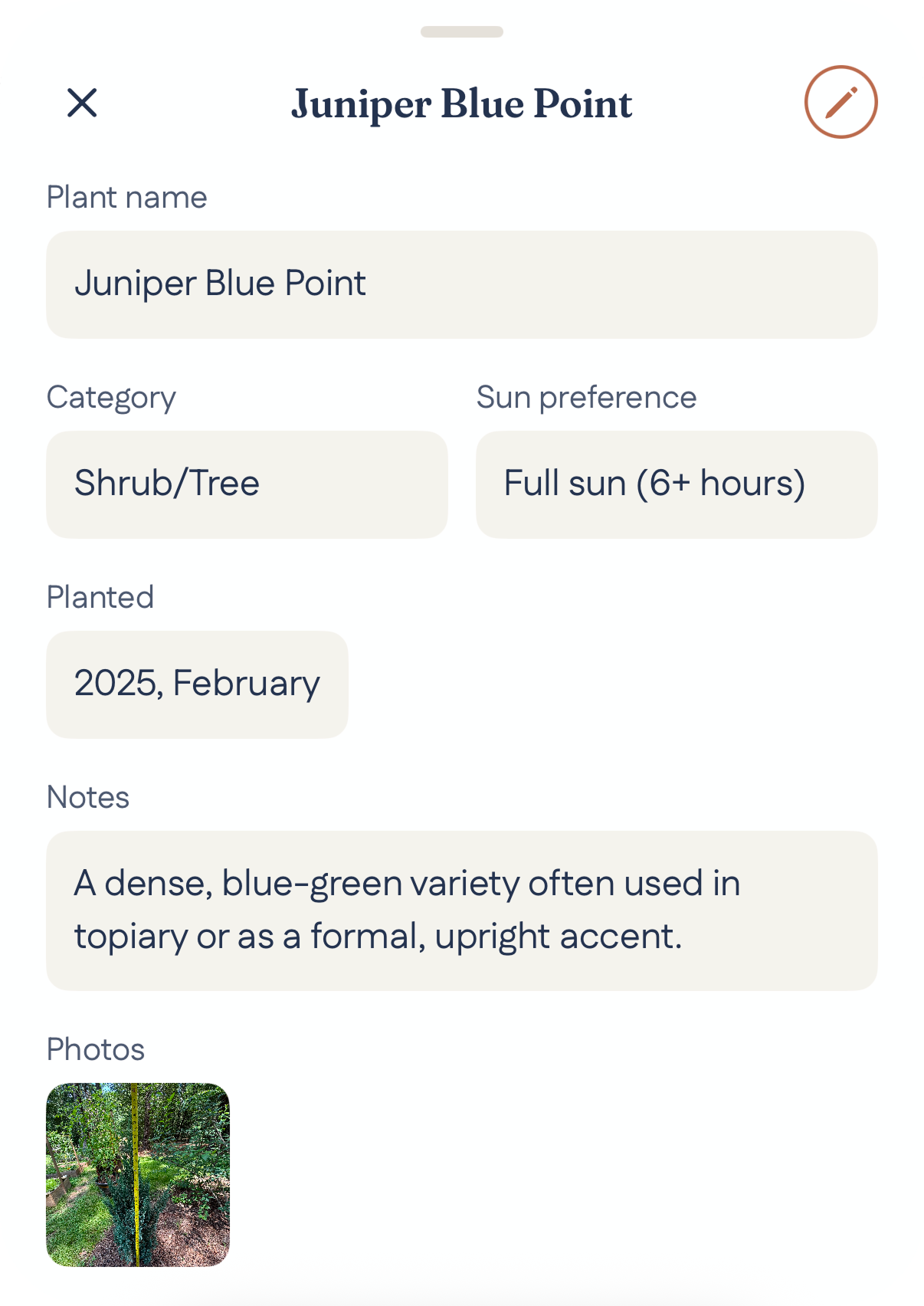
02
Keep track of every plant
View details, add notes, and remember what you planted and why
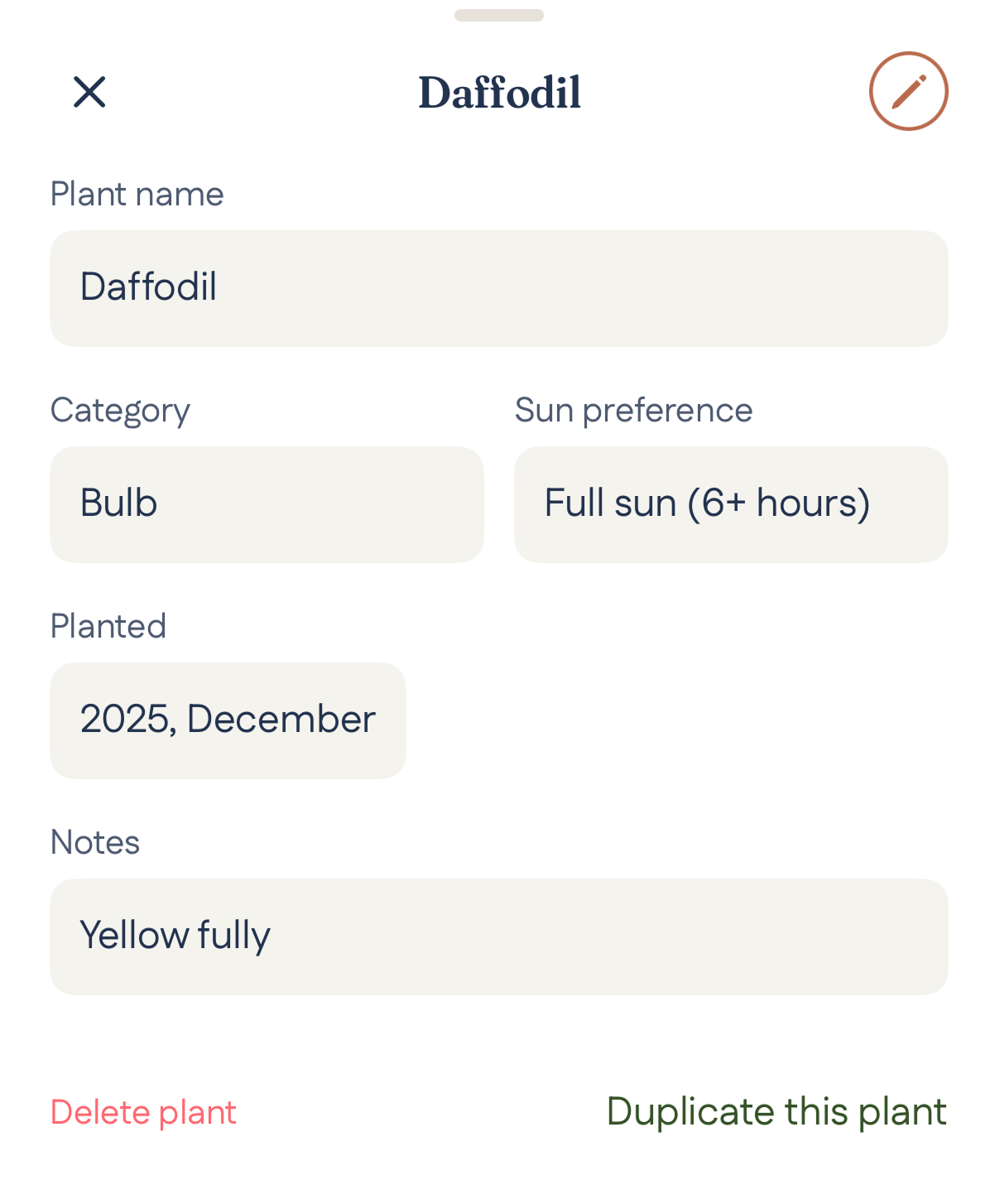
03
Adjust and refine anytime
Move, edit, or duplicate plants to improve your layout as your garden evolves
Garden Studio
What belongs here?
BloomMap keeps track of your garden. Garden Studio helps you decide what to plant, move, or rethink.
Explore Garden StudioiPad planning
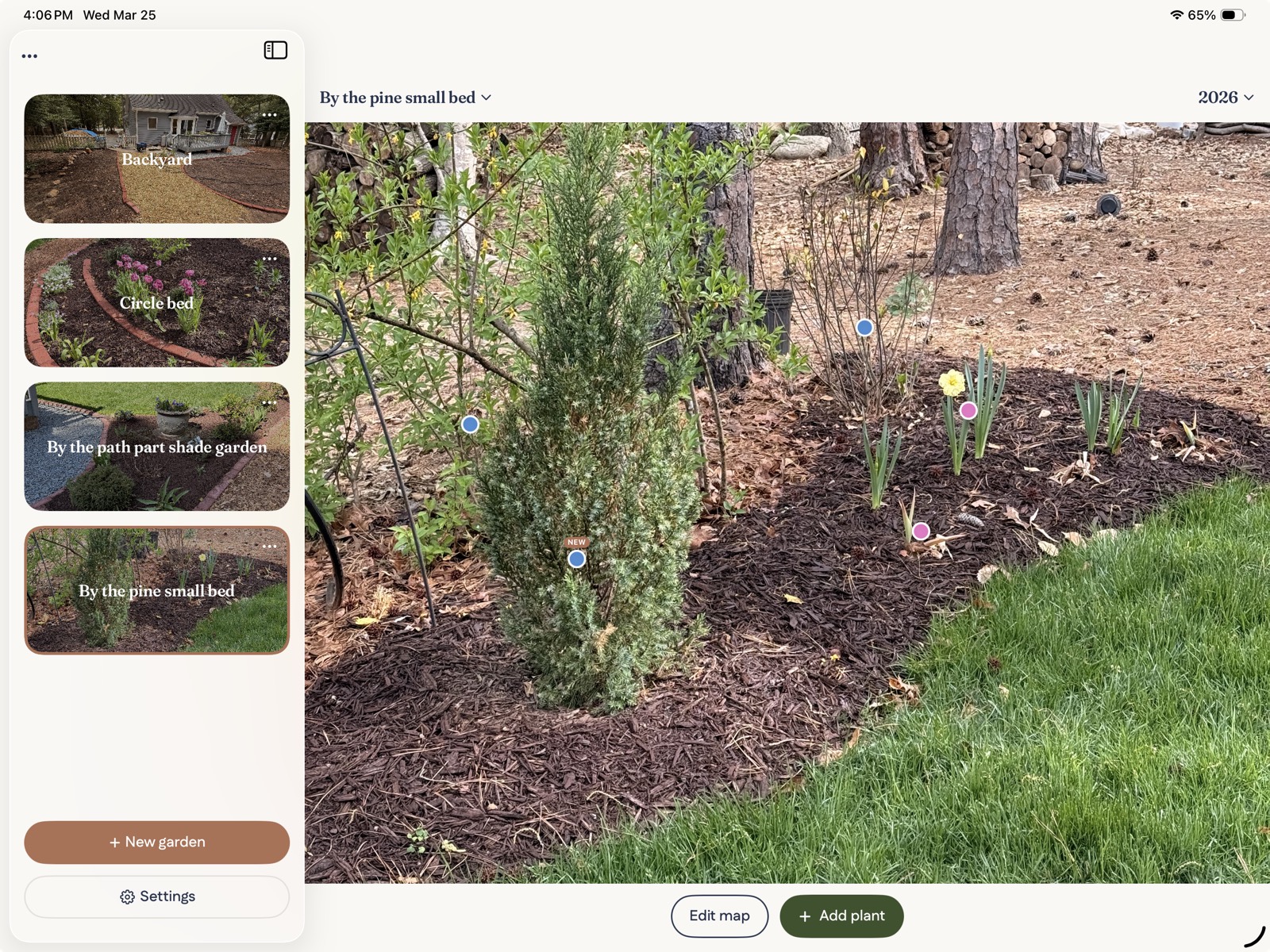
Designed for planning on iPad
See your entire garden layout and plan more comfortably on a larger screen
Also from BloomMap
BloomMap remembers where. Year in Bloom tells you when.
Meet the planting calendar app built around your real frost dates, now preparing for launch on iPhone.
Start mapping your garden today
Organize your garden directly on photos and track it year by year.
Free to download · No account needed · Requires iOS or iPadOS 26.2 or later
Optional BloomMap Pro is available as a subscription or one-time purchase.